Send / Transfer Assets
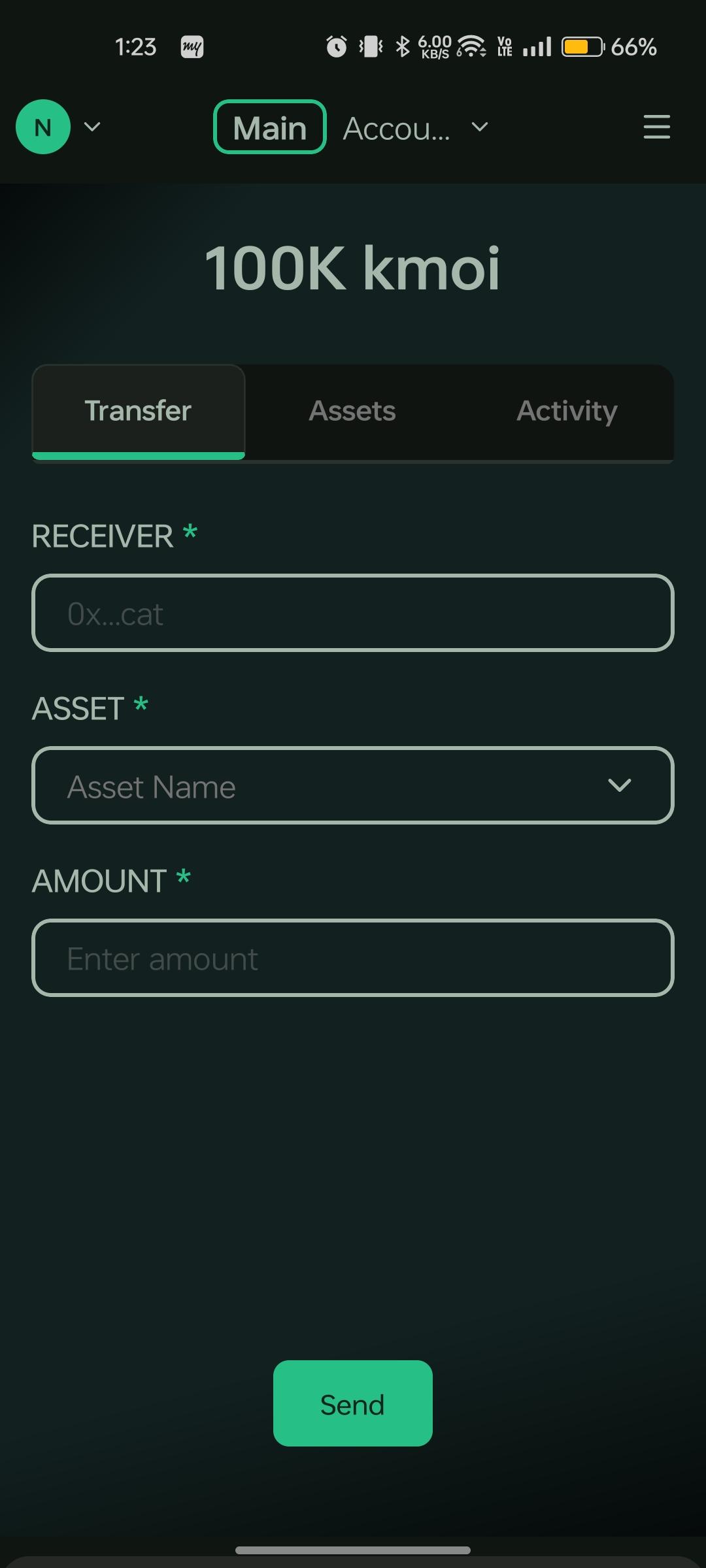
Use the Transfer tab on the home screen to send assets to another MOI account. You can paste the receiver's address directly into the transfer form.
Steps
- Open the home screen and select the Transfer tab.
- Paste the receiver address into the receiver field on the transfer form.
- Select the asset you want to send and enter the amount.
- Review the transfer details on the confirmation screen.
- Confirm and approve the transaction — the wallet signs and broadcasts the interaction to the MOI network.
Important notes
- The receiver address must be a valid MOI account address (hex format starting with
0x). - Ensure your account is registered on the network before sending. See Register Account.
- Confirm you are on the correct network (mainnet vs testnet) before submitting a transfer. See Managing Networks.
- Wait for network sync to complete so your balance is up to date before sending.